Power Apps Development
Custom Power Apps for internal teams that need a clean way to capture, review, and manage business data.
Typical use cases
- Request forms
- Approval apps
- Asset tracking
- Field data collection
Power Platform developer for practical business automation
I help businesses automate repetitive work, process documents with AI, connect systems, and build practical internal tools using Power Platform, Python, Azure, APIs, and Microsoft 365.
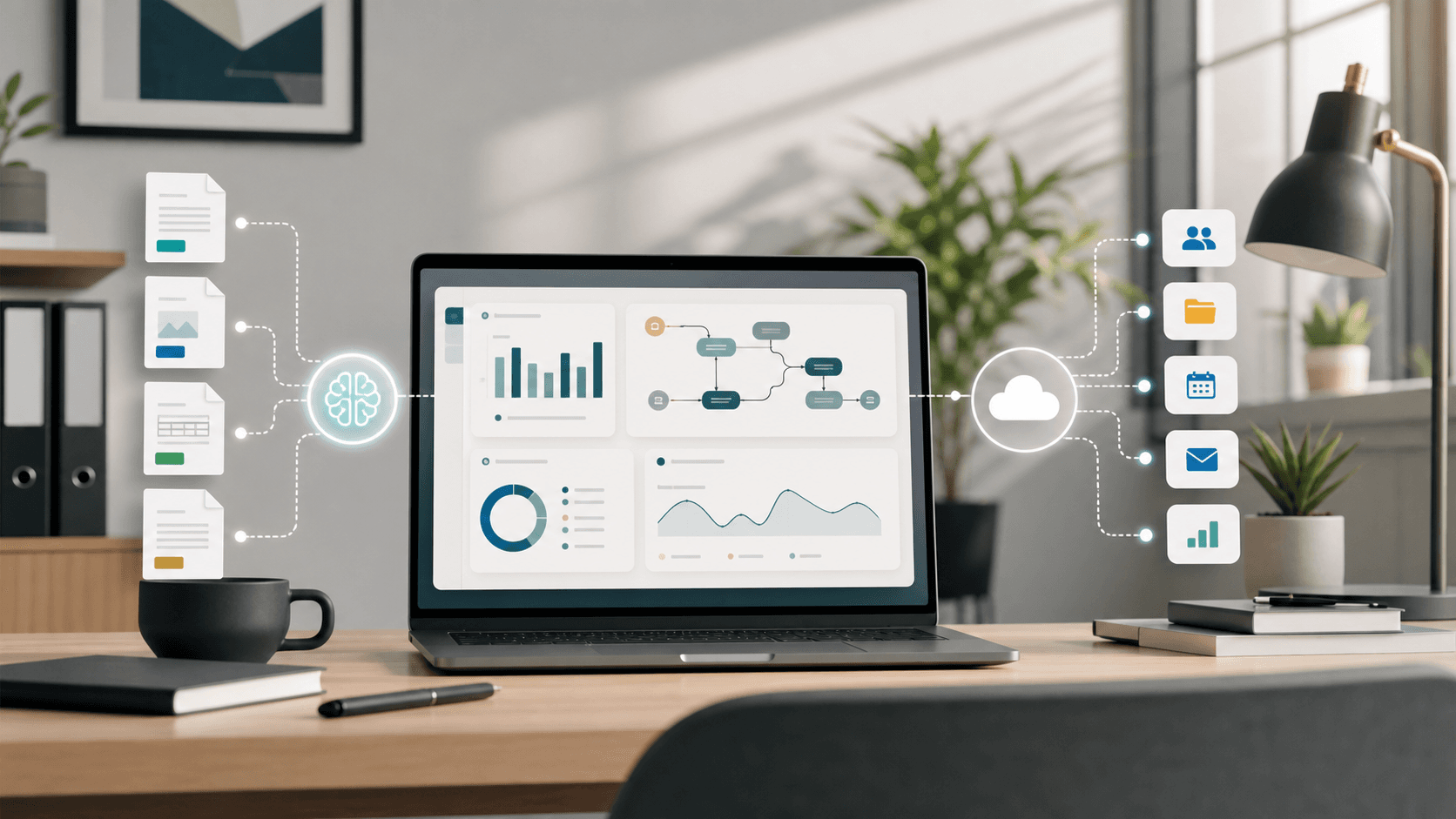
Business process automation
From Microsoft 365 workflows to AI extraction and API integration.
Services
I build Power Apps, Power Automate workflows, SharePoint automation, Python automation, Azure integration, and AI document processing systems that are designed for real teams and maintainable operations.
Custom Power Apps for internal teams that need a clean way to capture, review, and manage business data.
Typical use cases
Reliable Power Automate flows that move data, route approvals, send alerts, and reduce repetitive admin work.
Typical use cases
SharePoint automation and Microsoft 365 systems that organize documents, lists, permissions, and daily operations.
Typical use cases
Python automation scripts and small services for data cleanup, file handling, reports, APIs, and recurring tasks.
Typical use cases
AI document processing workflows that extract, classify, summarize, and structure business information from files and emails.
Typical use cases
Azure integration for secure automation, APIs, storage, serverless jobs, authentication, and cloud-hosted workflows.
Typical use cases
API integration for connecting business tools, ERP systems, databases, and workflow platforms into one practical process.
Typical use cases
Maintainable internal tools for teams that need better dashboards, data entry, validation, and operational control.
Typical use cases
Barcode and receipt printing workflows that make inventory, labels, donation records, and counter operations easier to run.
Typical use cases
Problems I solve
Many business bottlenecks are not caused by a lack of effort. They come from manual handoffs, disconnected systems, unclear approvals, and data that has to be entered more than once.
Replace duplicate typing with forms, imports, validation, and automatic updates across systems.
Use scheduled flows and scripts to handle reminders, reports, file moves, and status updates.
Create approval workflows with routing rules, notifications, audit trails, and clear ownership.
Detect incoming files, extract key information with AI, and store the result in structured systems.
Move fragile spreadsheets into controlled apps, SharePoint lists, databases, or automated reports.
Connect APIs, ERP platforms, Microsoft 365, and databases so information moves without manual copying.
Build scanning, lookup, stock movement, and validation workflows for practical operations.
Connect forms, POS flows, printers, templates, and records into one dependable workflow.
Use AI to read documents, classify content, extract fields, and prepare data for review.
Refactor workflows, document logic, simplify data structures, and make systems easier to support.
Featured projects
These examples show the kind of business workflow solutions I build: practical systems that connect people, data, documents, and tools.
FAQ
Short answers help business owners, Google, and AI answer engines understand what each technology is used for and when it is the right fit.
Power Platform is used to build business apps, automate workflows, analyze data, and connect Microsoft 365 systems. It is useful when a business needs practical internal tools without building a full custom software product from scratch.
A business should use Power Automate when a process has repeatable steps, approvals, notifications, file handling, or data movement between systems. It is a good fit for reducing manual work in Microsoft 365, SharePoint, Outlook, Teams, and connected apps.
Yes. AI can automate document processing by extracting fields, classifying documents, summarizing content, and converting unstructured files into structured data. Human review can still be included for sensitive or high-value decisions.
Common workflows that can be automated include approvals, email routing, Excel processing, document extraction, reporting, reminders, data synchronization, barcode workflows, receipt printing, and ERP integration.
Yes. SharePoint can be used as a lightweight business system for lists, documents, permissions, workflows, and team processes. It works best when the data structure, permissions, and automation rules are designed carefully.
Power Apps is often faster for Microsoft 365-based internal tools, forms, approvals, and simple business systems. Custom web apps are better when a product needs advanced UI control, public users, complex scaling, or highly customized architecture.
Yes. Internal business tools can connect with ERP systems through APIs, database connectors, middleware, or vendor-specific services such as SAP Business One Service Layer. The best approach depends on security, data volume, and workflow requirements.
Businesses can reduce repetitive manual work by mapping the process, removing unnecessary steps, standardizing data, and automating repeatable actions with tools such as Power Automate, Power Apps, Python scripts, APIs, and AI document processing.
Why work with me
The goal is not automation for its own sake. The goal is a system that saves time, is understandable for your team, and can grow without becoming difficult to maintain.
I focus on the daily workflow first, then choose the simplest technical path that solves the real problem.
You can start with a useful version quickly, test it with real users, and improve it based on actual feedback.
I explain tradeoffs in plain language so stakeholders understand what is being built and why.
My work covers practical operations such as approvals, document processing, ERP integration, and printing flows.
I keep logic organized, document important decisions, and build workflows that are easier to support later.
I can help from workflow review and architecture through build, testing, deployment, and handover.
About
I’m Yudiestira, a freelance developer focused on automation, AI, Microsoft 365, and business systems. I enjoy building practical solutions that reduce repetitive work and improve daily operations for businesses.
Workflow first
Technical execution
Maintainable delivery
I work with Microsoft 365 automation, SharePoint automation, Power Apps development, Power Automate workflows, Python automation, Azure integration, API integration, and AI document processing.
Contact
Share the workflow, document process, approval, integration, or internal tool you have in mind. A clear description of the current problem is enough to start.